
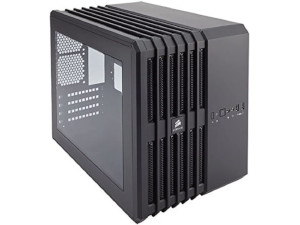
Case: Corsair Carbide Air 240
I picked it for the compact size, high airflow, and amount of hard drive slots. The window side has the motherboard, RAM, CPU fan, and case fans. Everything else is hidden in a separate compartment. This is no longer sold, I linked a better one!
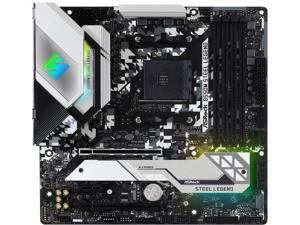
Motherboard: ASRock B550M Steel Legend
I picked it for the amount of NVM-e, SATA, RAM, and PCI-e Slots. Also it has lots of nice features, supports the CPU I wanted, lots of inputs, reinforced board, and looks really cool! All in a microATX size my case required!

CPU: AMD AM4 Ryzen 9 5950X 16-Core 3.4GHz (4.9GHz Turbo)
I picked it for the massive computing power with 16-cores hyper threaded so your computer has 32 usable cores! I run lots of CPU intense software and Virtual Machines so this was a must!
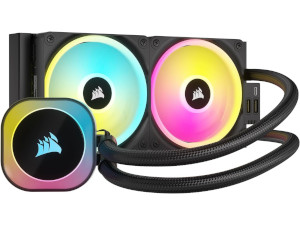
CPU Cooler: Corsair iCUE H100i AIO Liquid Cooler
I picked it because the CPU generates a ton of heat and requires liquid cooling for maximum performance! I wanted the 3 fan one but couldn't fit it so this is the biggest one I could fit in my case. Also this is All In One which is so much easier!
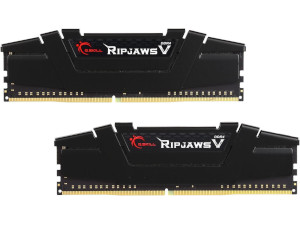
RAM: DDR4 G.Skill Ripjaw 64GB (2x 32GB)
I picked it for the high capacity at high speed and it has heatsinks. My motherboard supports up to 128GB with 4 slots so I chose 32GB to maximize it and add more as needed. I started with 32GB and upgraded it to 64GB in December 2024!
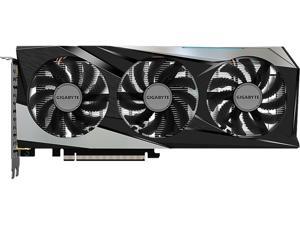
GPU: GIGABYTE GeForce RTX 3050 8GB Gaming OC
It had the most power in my price range since its factory OverClocked. It handles all games on ultra so far! Its no longer available so I linked a better one.
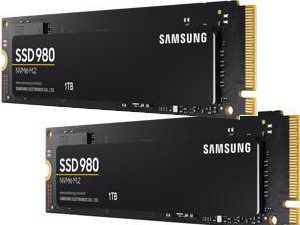
SSDs: Dual NVMe 1TB Samsung 980 Drives
I picked these because they were the capacity I needed at high speed yet still within my budget. They are not quite as good as the 980 Pro drives I wanted but these have sped up my gaming significantly! One has my main Linux Mint, the other has Windows 10.
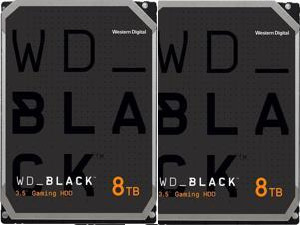
HDDs: Dual Western Digital 8TB Black Drives
I picked these because they are the max capacity within my budget at high speed. This amount or more is needed for gaming, recording, and editing! You would be surprised how much space each episode takes, but these have been enough, for now!
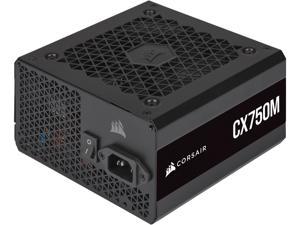
PSU: Corsair 750w Modular Power Supply
I picked it to have plenty of extra capacity within my budget. Its also modular so unused ports can just be left unplugged which helps with wire management! Mine is the slightly lower Bronze semi-modular, but is no longer available so I linked the better one.
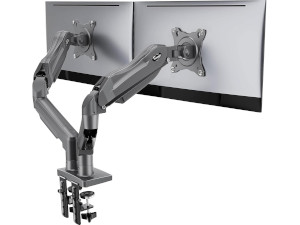
Monitor Mount: Dual Monitor Desk Clamp Gas Spring Arms
For my new setup I went for a desk clamp version of what I had prior. They work really good but the monitors do shake a bit when typing.
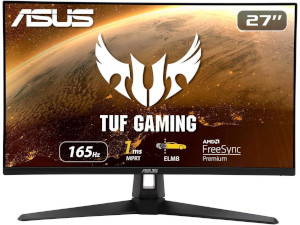
Main Monitor: Asus Gaming 27" HD VG279Q1A
I picked this one for its large size, 1080p, 1ms reponse, and ultrafast 165Hz refresh rate for gaming. It works decently but I would get the better one I linked instead.
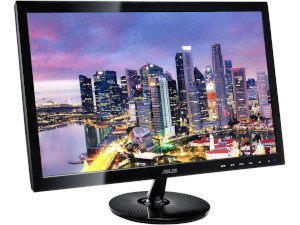
Secondary Monitor: Asus VS248H-P 24" 1080p LCD
This is my old standard monitor. I didn't upgrade it yet since it works fine as my secondary monitor, to the left of my main monitor and turned sideways in portrait mode. Its mostly used to show system information, OBS, and so on. I linked what I would pick instead.
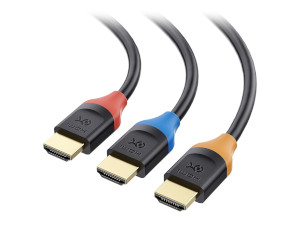
HDMI Cables: 3 Pack, 15 Feet, Supports 4K @60Hz
I needed long cable to reach from my computer on top of my shelf to my desk and having them color coded makes it much easier to know which goes to my second monitor and which goes to my TV.
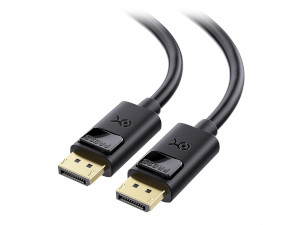
Display Port Cable 15 ft, Supports 4K @60Hz
I needed long cable to reach from my computer on top of my shelf to my desk. My main monitor is Display Port connected with this cable.
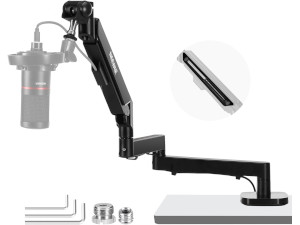
Microphone Arm: Swivel Boom Arm With Pneumatic Damping
This arm extends the needed distance to go from behind my monitors when not in use to near my face when I play games and compatible with my Blue Yeti Microphone!
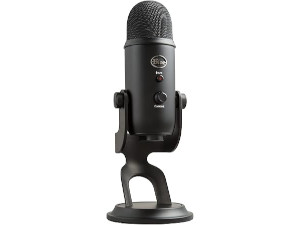
Microphone: Blue Yeti USB Microphone
I picked it because it is the highest quality USB microphone for the price and has adjustable polar patterns, headphone port, volume, and gain control! It works really well!
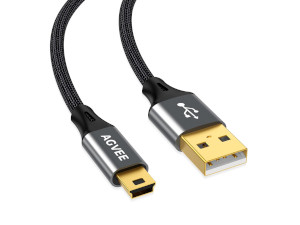
USB Cable: Two 6.6 Feet USB Cables for Blue Yeti Microphone
With the longer microphone arm I needed to upgrade the cable and this one being braided will also help it last longer with the constant movement of the mic arm!
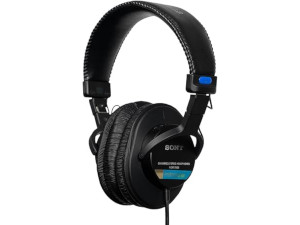
Headphones: Sony Large Diaphragm Studio Headphones
I will upgrade to these when I can afford it! I am currently using some cheap Behringer Studio Headphones, which are okay. This plugs into the Blue Yeti microphone directly!
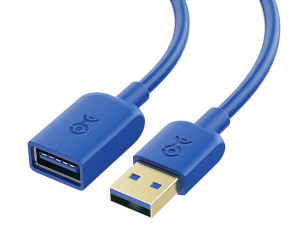
USB Extension Cable: 10 Feet USB 3.0 5Gbps Cable
USB3 doesn't do well over 10ft so I went for this one instead. I needed a longer length to go from my computer on top of a shelf to my desk.
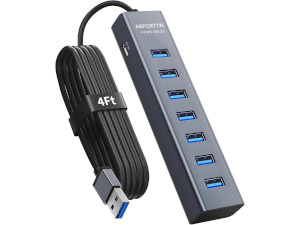
USB Hub: 7 Port USB 3.0 5Gbps Hub
I only wanted a single USB cable to my desk so this is plugged into the extension cable then goes to my Microphone, Keyboard, Mouse, Speaker, & Other Hub. Its under my desk in the cable tray.
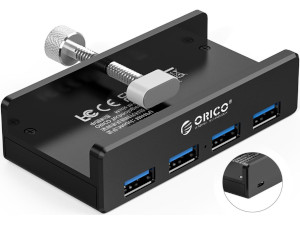
USB Hub: Monitor Mountable USB 3.0 Hub
It attaches to my secondary monitor and makes it super easy to plug in flash drives, hard drives, etc whenever I need to up in the desk area!
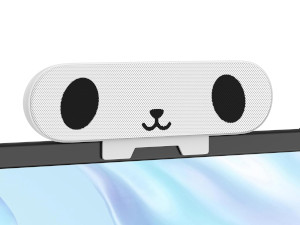
USB Speaker: Funny USB Speaker With Volume Control
The built in monitor speakers are bad and its bevel is too small. This speaker sits on the center of my desk for when I don't use headphones. It made me laugh with the face so I picked it!
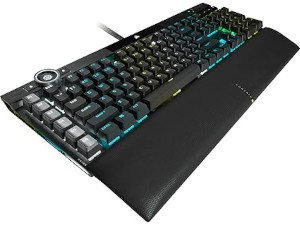
Keyboard: Corsair K100 RGB Mechanical Gaming Keyboard
I haven't upgraded yet, but this or some other quieter mechanical keyboard is what I will get. I am currently using a really old Logitech Elite Keyboard which works fine for now.
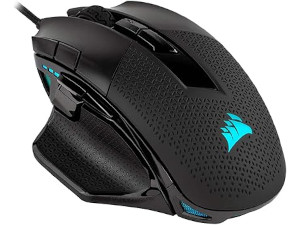
Mouse: Corsair Nightsword RGB Gaming Mouse
I picked this mouse for its high DPI, and DPI changing buttons. The ability to change the DPI on the mouse is much more useful then I thought, especially on games without mouse sensitivity!
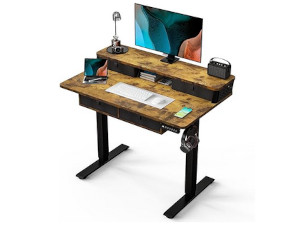
Desk: Small Standing Desk (4 Drawers)
This is the desk I upgraded to in March of 2026. It is a significant improvement over what I was using before which was a tiny wall mounted desk. This one not only has the split levels but also has 4 drawers that makes my desk setup significantly more organized!
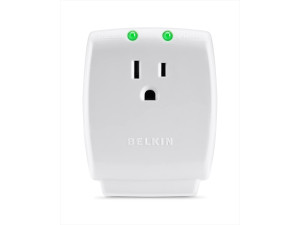
Surge Protector: Single Outlet Surge Protector 15 Amp, 885 Joules
If you want your UPS to last longer its a good idea to put a surge protector before it. I use these a lot before other high power devices as well.
 Uninterruptible Power Supply: APC UPS 600VA/330W w/ USB
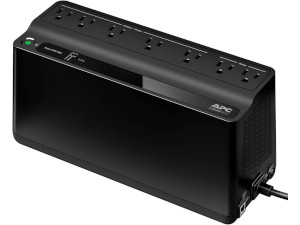
I chose this UPS because it has decent capacity and a USB port so the computer can see the battery level. It keeps everything running for about 30 mins if the power goes out. I will upgrade it eventually.
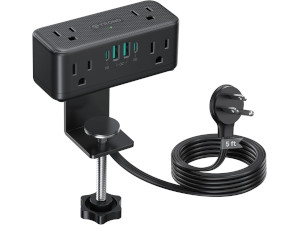
Desk Outlet: Has 6 Outlets, 2 USB A, & 2 USB-C Ports
Only requires one outlet to reach the desk, I installed it the center compartment. It has outlets on the back I used to plug a power strip in for the cable tray.
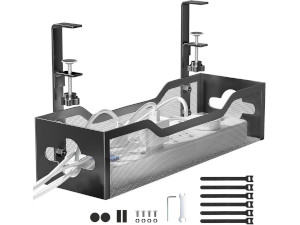
Cable Management: Under Desk Clamp Mount Tray
To keep the cables out of the way and not interfere with the up down movement of the standing desk I got this cable tray.
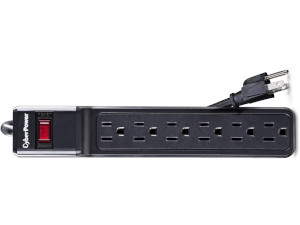
Power Strip: 6 Outlet Surge Protector
I got it because it was a cheap but decent power strip. This way only one back port of the desk outlet is used to power the monitors & desk motor.
Reading Lamp: 10 RGB Colors, 4 White Levels, 10 Brightness
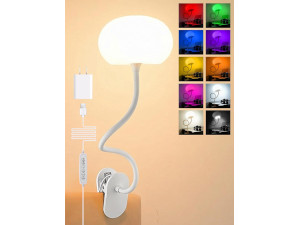
Got to have more light when reading, doing work, or just any time I need more light at my desk. I mostly got it for the brightness levels and multiple white temperatures but the RGB can be fun sometimes.

Mousepad: Pirate Ship Treasure XL Mousepad
I needed a large mouse pad and this one looked pretty cool so I picked it, it is no longer available so I linked a similar search. You would be surprised how something this simple can greatly improve your rooms decor!

Decoration: Small Succulent Fake Plant
I actually found one locally in a small fake shell but this gives a nice variety and isn't too large. I would highly recommend some kind of fake plant near your monitor it calms the mind and is relaxing!

Desk Stabilization: Four 6"x 6" Pool Tiles
My desk is on carpet and was very unstable because of it so I got this 4 pack of tiles to go under the 4 parts of the legs to help level out my desk which decreased the wobble.
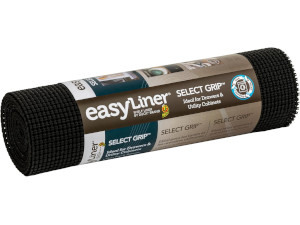
Desk Stabilization: Non Slip Drawer Liner
The tiles worked but were so smooth the desk kept slipping off so I used some scrap cuts of a non stick liner like this under the 4 legs and it hasn't slipped off since!
